
Our apps fully support Apple's Family Sharing feature for all plans and should automatically detect shared purchases when the app launches.
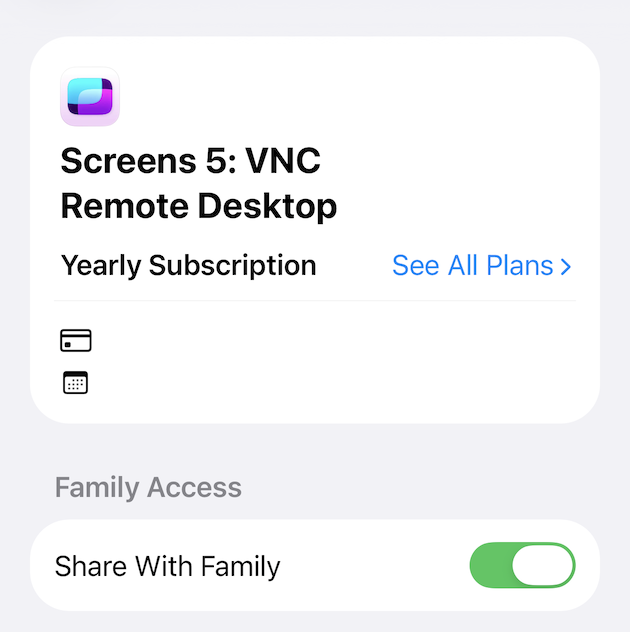
First, make sure Share with Family is enabled for the app subscription:
- Open the Settings app
- Tap your Apple Account
- Select Subscriptions
- Select the app subscription
- Ensure Share with Family is enabled
If the subscription still isn't detected, try the following:
- In the app, go to Settings > Subscription > Restore Purchases
- Review Apple's Family Sharing support article: https://support.apple.com/108911
- Restart your device
- Reinstall the app
Please note that Family Sharing only works if all family members are using the same App Store region/country.