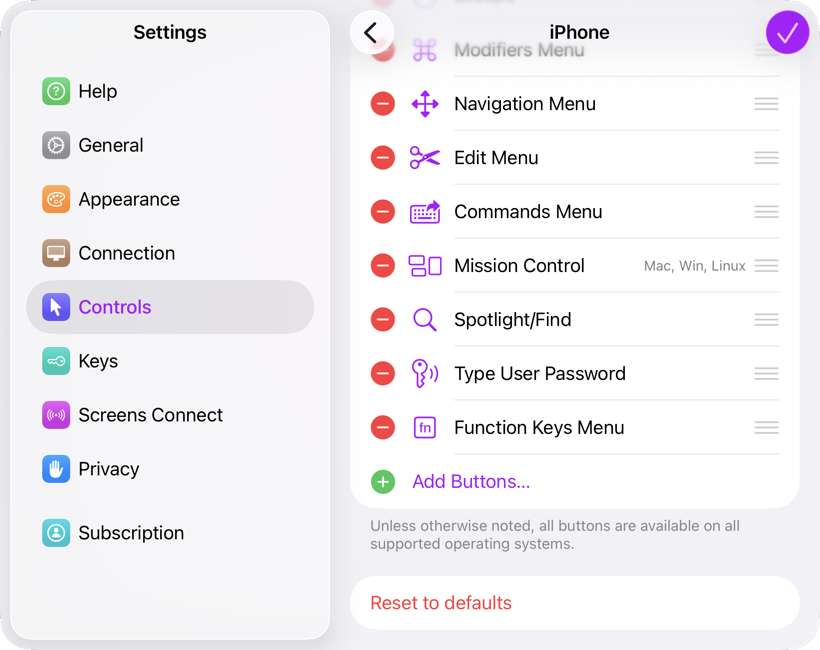
Starting with Screens 5.8, you can fully customize the interactive toolbar on iPhone, iPad, and Vision Pro.
Getting Started
To customize the toolbar:
- Open Screens
- Go to App Settings
- Navigate to Controls > Toolbars
- Select the device for which you want to customize the toolbar.
Screens allows you to configure a different toolbar for each device type, and your toolbar settings are automatically synced via iCloud.
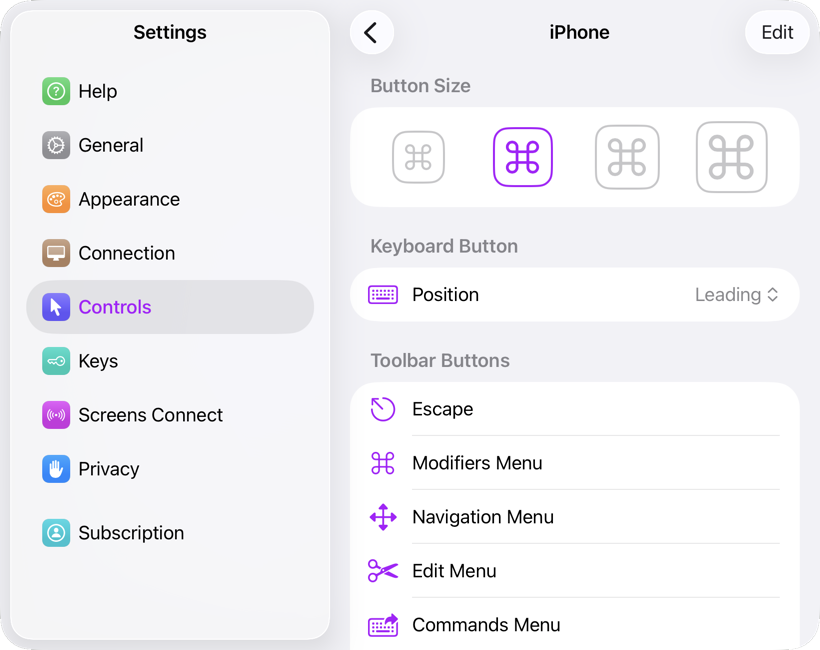
Available Customization Options
You can adjust the following settings:
- Button Size
- Keyboard Button Position (leading or trailing)
- Visible Toolbar Buttons
Adding Buttons
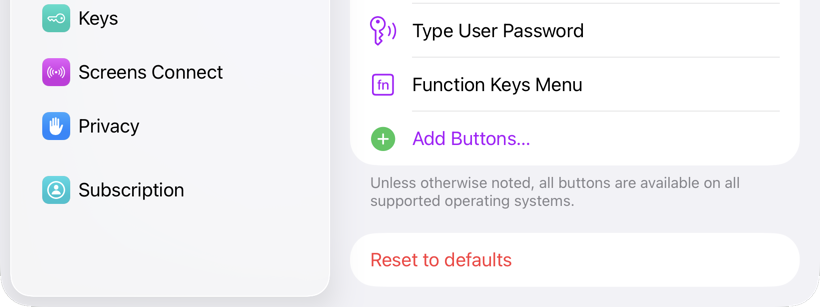
Scroll down and tap Add Buttons to view all available toolbar buttons, including spacers.
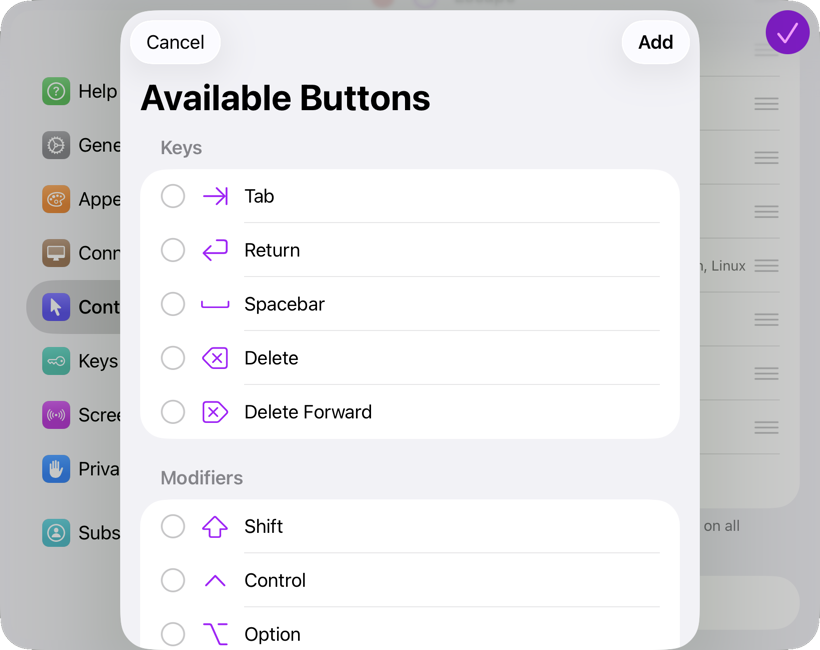
Select the buttons you want, then tap Add to insert them into the toolbar.
Reordering or Removing Buttons
Tap Edit to rearrange buttons or remove ones you don’t need.